Adding the SS58 account to explorer
Initial Connection with explorer:
-
Visit our block explorer https://ganscan.gpu.net
-
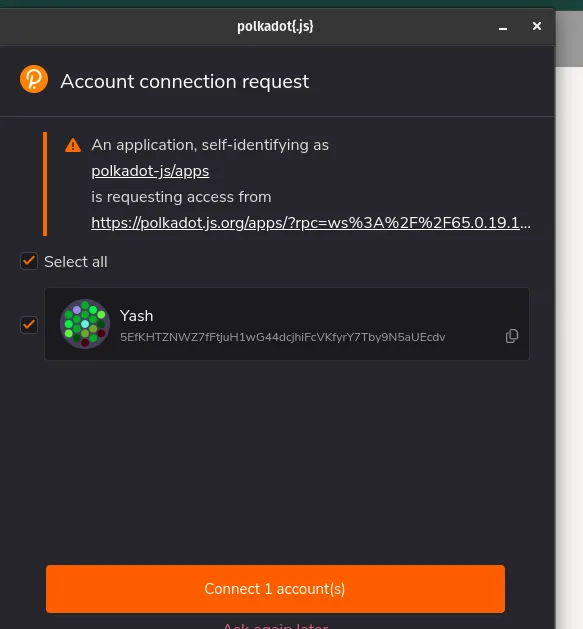
Will get a pop up Account connection request
-
Check checkbox Select all
-
Click Connect Accounts
Now, you can see the polkadot{.js} extension accounts in :
Accounts > Accounts
https://ganscan.gpu.net/#/accounts
Update metadata:
If you are getting message like this :
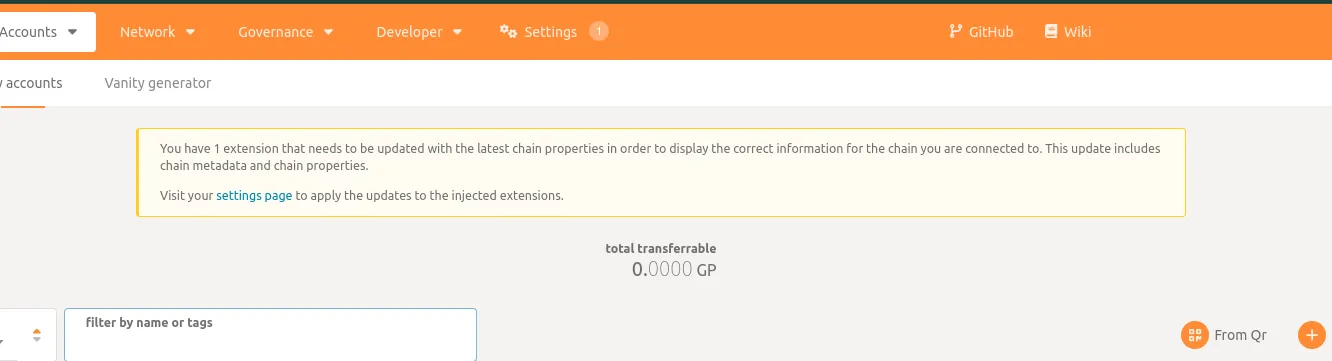
- Go to setting > metadata
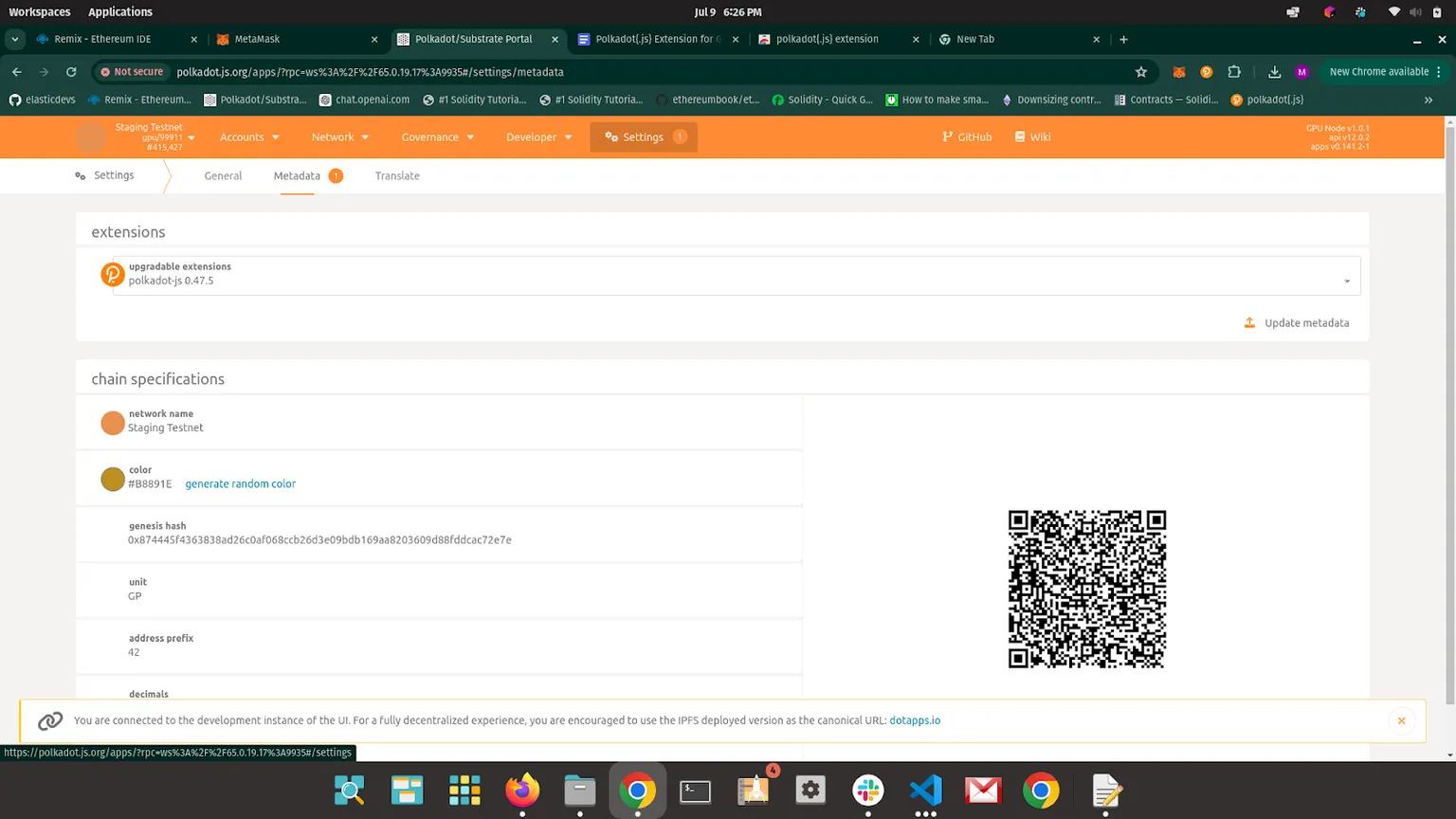
- Click on update metadata
- Will get a pop-up like this :
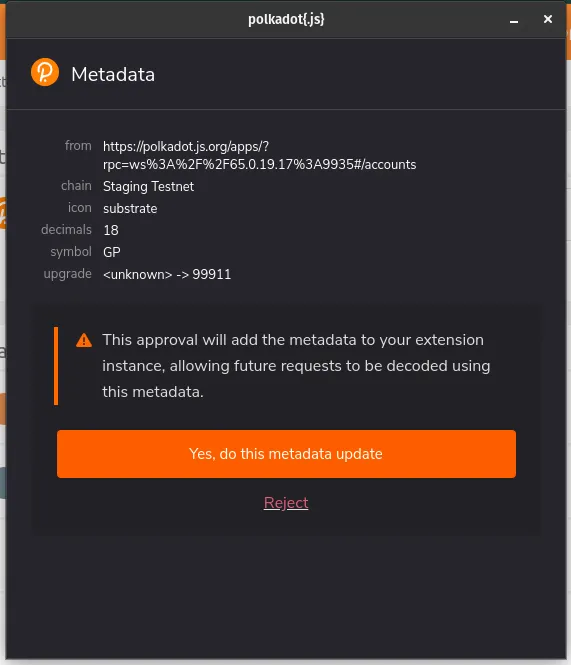
- Click on Yes, do this metadata update