Creating an SS58 Address
Add Polkadot Extension to Chrome Browser:
- Go to URL https://polkadot.js.org/extension/
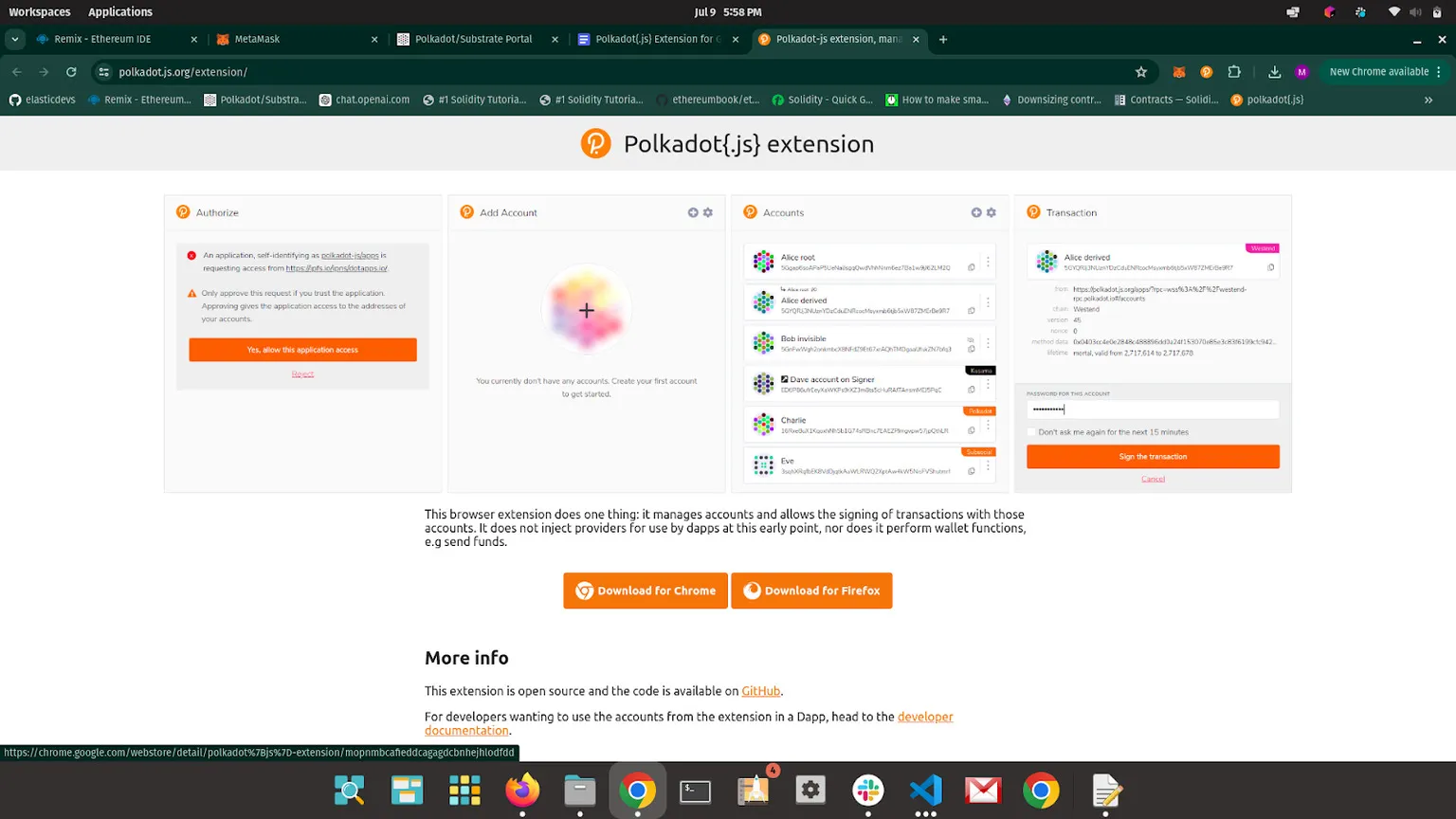
- Click on Download for Chrome button
- Add to Chrome > Add Extension
- Click on Extensions > Pin
Create an Account:
- Open the extension.
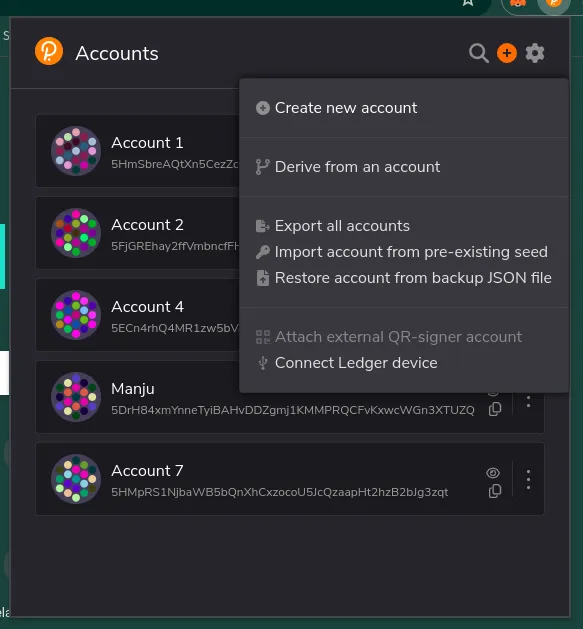
- Click on + button on top right corner. And Select Create New Account Option.
- Copy Generated 12-word MNEMONIC SEED and store it.
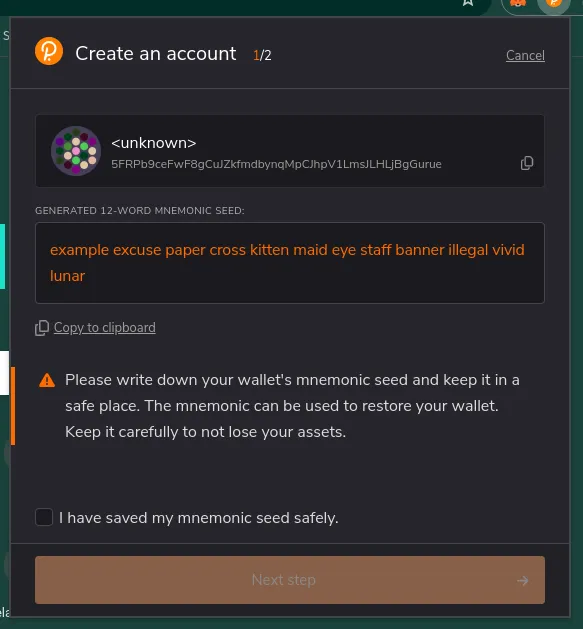
in Red Characters it is your MNEMONIC SEED.
- Give Name and password for account.
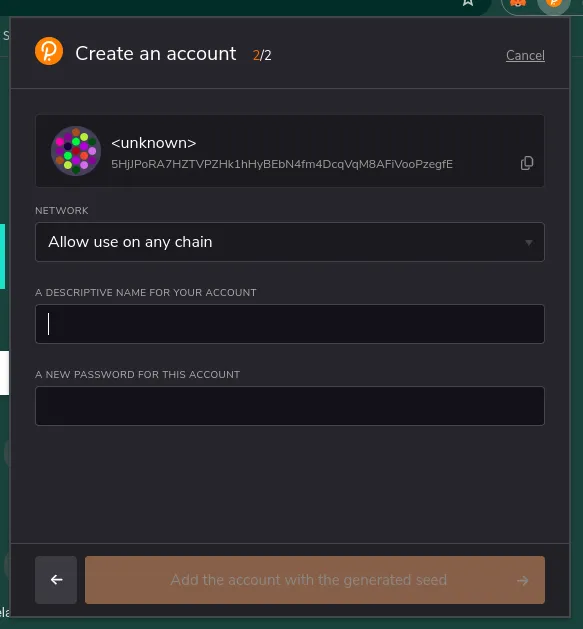
- Click on Add the account with the generated seed button.